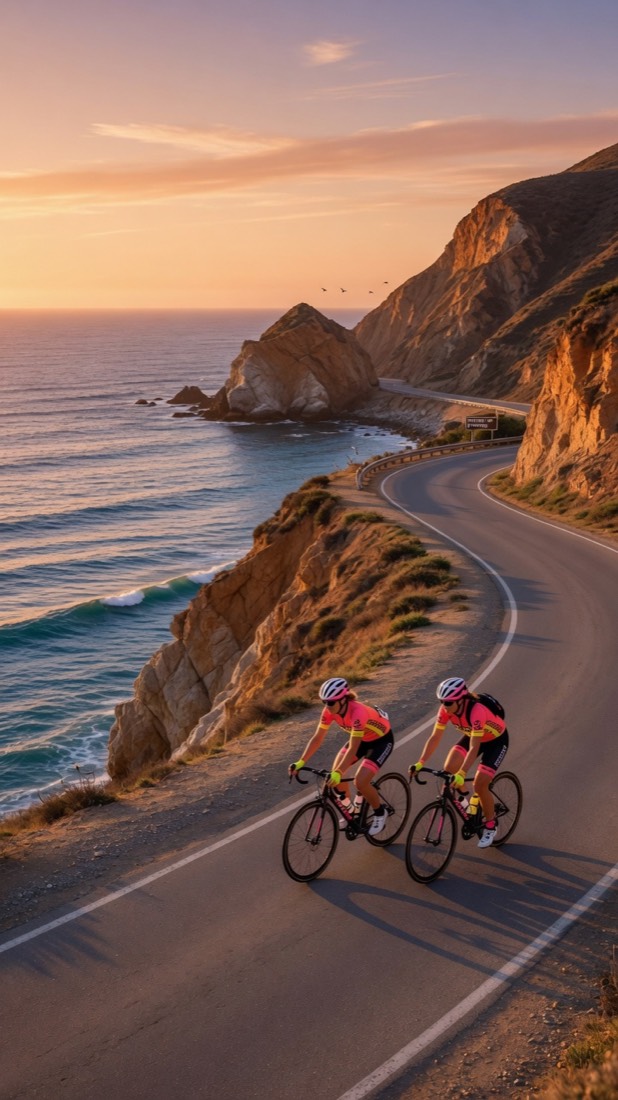
Open CycleBuddy and the first thing you see is a map centred on you, dotted with upcoming group rides. It's the moment people say “I had no idea this much was going on around me.” Here's how it works.
What the pins mean
Every upcoming ride appears as a pin at its start — your own rides in one colour, everyone else's in another, with a legend so you never mix them up. Finish points are marked too. Tap a pin for the ride summary and a one-tap Join.
The same rides, as a feed
Prefer a list? Explore shows the same rides as cards, soonest first: “in 3h”, pace band, meeting point and spots left, with a Joined tag on the ones you're in. Filter by Road, Mountain, Gravel, Casual or Race.
Live when the ride starts
When the organiser starts a ride, everyone who joined sees “Ride has started” and can join navigation. From then on the group shares positions live — you see how many riders are on the road with you, plus your time, distance, current and average speed and metres climbed.
Your position stays yours
Your live position is shared only with the riders of a group ride you've joined, and only while that ride is under way. Browsing the map never puts you on it. You can report or block any rider, and blocked riders disappear from your rides, chats and map.
See your area come alive
The map is free, forever. Download CycleBuddy and open it once — then post the ride you wish was already there.